
FOR ELECTRICIANS & INSTALLATION TEAMS
Plan your parts and prepare the final issue
Use the products in your plan to prepare materials lists and drawings. Choose colours and extras on Devices, check prices, then review the completed project in Final Issue.
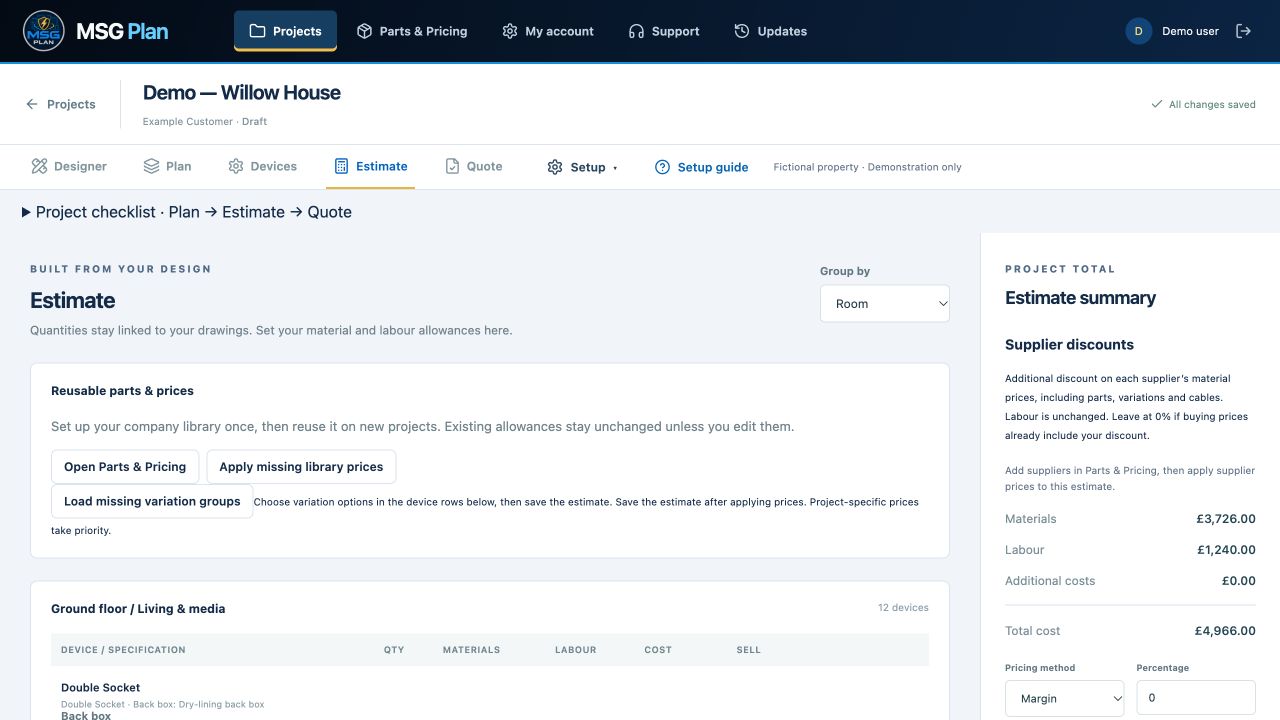
Keep reusable prices in Parts & Pricing
Maintain your product catalogue, variations, supplier prices and supplier part numbers. Record pack quantities so the price of a box is not confused with the cost of one item. Review prices before using them in a new estimate.
Check prices for each issue
Review current product prices manually before issuing. The workflow focuses on materials and planning; labour and supplier-discount controls have been removed.
Add cable by type and length
Choose cable type, conductor size and cores, then enter metres and applicable allowances. Cable lengths and prices are advisory and are not guaranteed: check measurements, specifications and current supplier pricing before ordering.
Review Final Issue
Open Final Issue to review completed lists, drawings and export options. It replaces the separate Estimate and Quote tabs in the project workflow.
Send suppliers a materials list
Export the bill of materials as PDF or CSV to request a supplier quotation. Check product references and quantities before sending it. The supplier list keeps internal margins out of the purchasing conversation.
Latest: parts, devices and Final Issue
Select products, colours and extras on Devices, then review project-wide materials totals and drawings in Final Issue. Supplier materials exports contain quantities and part numbers without prices. Check product prices manually before each issue.
Your questions answered
Are supplier prices live or guaranteed?
No. Review your company prices against current supplier information before quoting or ordering. Prices and quantities are estimates that need checking.
Can I use euros for my company prices?
Company pricing can use pounds or euros with company-entered prices. Subscription packages are billed in pounds.
Explore the rest of the workflow
Try MSG Plan on your next project
14 days free · 1 user · 5 projects · No card required
Create your account →Ask a question or arrange a demonstration